
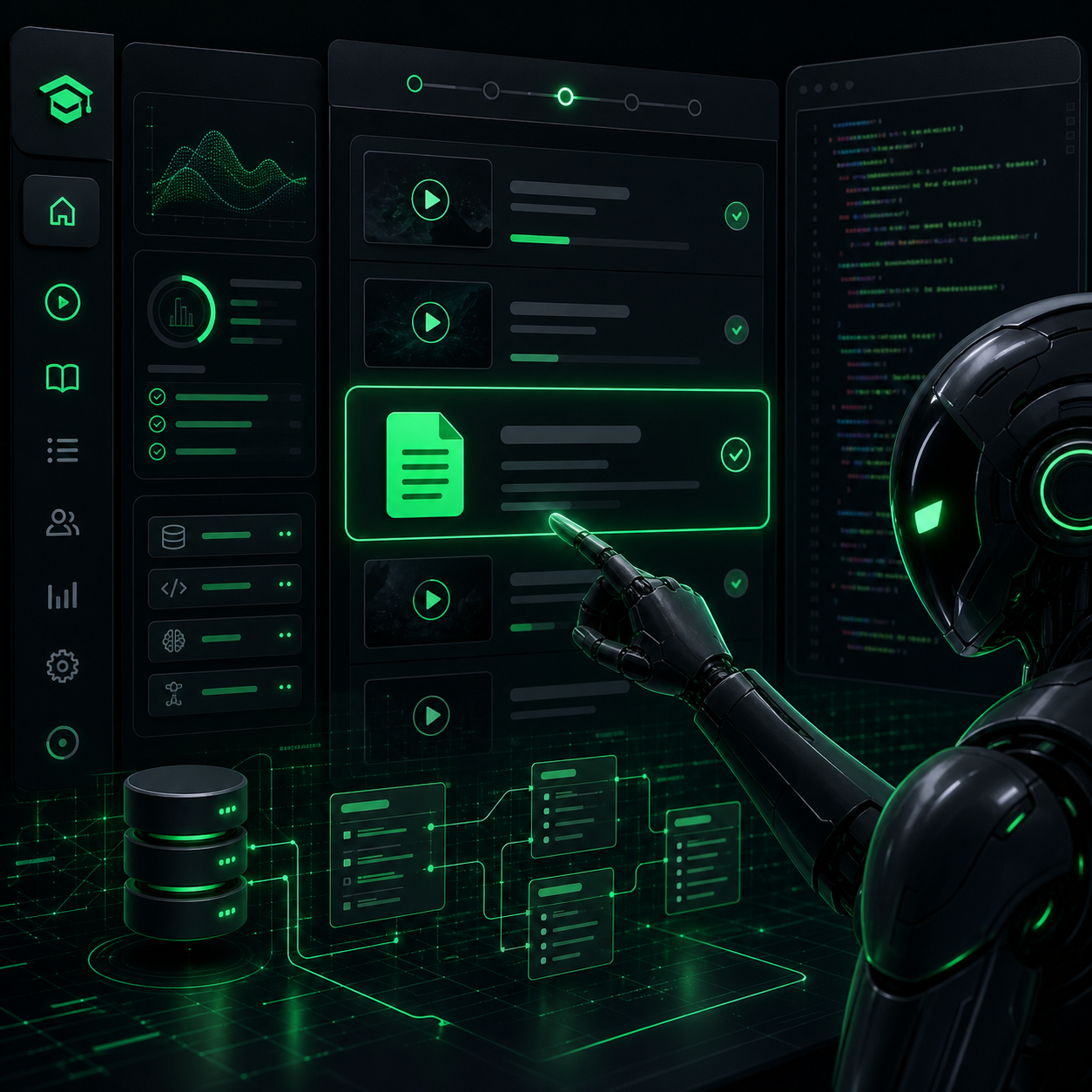
I've been building out a course on LearnAI, and I ran into one of those tiny product problems that looks unimportant from the outside but feels completely wrong the moment a real customer sees it. I had a bonus lesson that was supposed to be plain text. No video. Just instructions and a bonus condition. But the LMS was built around one assumption: every lesson must have a player. So when I opened that lesson, it showed the usual "video not uploaded" state even though nothing was actually missing.
I like this case because it shows what a good AI agent is useful for beyond the big dramatic stuff. Yes, it can debug production bugs. Yes, it can deploy. But it also helps with the quieter work of making a product feel honest. And a lot of the time, that's where trust is won or lost.
The setup: a course that isn't 100% video
The course itself is mostly video. In fact, I recently wrote about how I had Tim replace a heavy off-the-shelf lesson player with a lightweight HLS setup because the original player loaded slowly, went black, and stalled. That was the video side of the product.
But real courses aren't always just a stack of videos. Some lessons should be instructions, checklists, download notes, bonus conditions, or resource pages. In my case, this one bonus lesson was meant to unlock after a student leaves a review. It made far more sense as a short article than as a video.
If I forced that into a video format, I'd just be recording a pointless clip saying "please read the text below." That's not content. That's me bending the lesson to fit the software instead of bending the software to fit the lesson.
The real problem: nothing was broken, but the UX was lying
This wasn't a crash. No red logs. No server failure. The page loaded fine. The problem was that the interface was telling the student the wrong story.
If a customer opens a lesson and sees a blank player area or a "not uploaded yet" message, they're going to assume one of a few things:
- The course isn't finished yet.
- This specific lesson is broken.
- The creator forgot to upload something.
None of those were true. The lesson was complete. It just wasn't a video lesson. That kind of mismatch matters more than people think. It's the same class of issue as when a long Thai prompt got silently chopped by a 1KB terminal buffer or when a customer only saw "purchase failed" while the real cause lived deeper in the stack. The visible symptom is simple. The underlying truth is different.
The wrong fix would have been easy
There was an obvious workaround available: upload a fake 10-second video, maybe a static screen that says "read below," just to satisfy the LMS and move on.
I hate that kind of fix. It's cheap today and expensive forever. It creates fake content, confuses the product model, and guarantees I'll trip over the same assumption again the next time I want a checklist lesson or a resource page. It's basically a lie I would be teaching my own system to tell.
So instead of asking "how do I make this lesson pretend to be a video," I reframed the problem: what is a lesson, really? A lesson is content. Sometimes that content is a video. Sometimes it's text. Sometimes later it might be both. The model was wrong, not just the rendering.
The actual fix: give lessons a body, not just a player slot
Tim's solution was the right one. Add a proper text field to the lesson model so each lesson can carry its own written content. In practice that meant adding something like lessons.body and then teaching the lesson page how to render based on the data that actually exists.
The new logic became simple:
- If the lesson has video, render the player.
- If the lesson has no video but has body text, render the article.
- If it has neither, only then show an unfinished-state message.
That sounds small, but it's a meaningful shift. The old version guessed a lesson's state from one media type. The new version looks at the actual lesson data and tells the truth about what is there.
The plain-language version is this: the old system was like an office worker who checks only one file in the folder, sees "no video," and stamps the whole job incomplete. Tim changed it so the worker reads the full folder before deciding what the lesson is.
Why I liked this fix: it didn't stop at the database
One thing that gets lost in a lot of AI-generated coding is that changing the schema is not the same as fixing the user experience. You can add the perfect field and still leave the page acting like nothing changed.
Tim didn't stop there. It also updated the lesson template so the student-facing page renders a real reading experience when body text exists, instead of dumping raw text awkwardly or falling back to the old misleading error box. That's the difference between "the data technically supports it now" and "the product actually supports it now."
This is the same thing I care about when building other systems. When I set up email automation, the work wasn't "send one email." It was the entire flow. When I fixed the course video player, it wasn't "swap one embed." It was "measure the real experience in a browser." Good product work usually crosses layers.
The result: the bonus lesson finally looks complete
After the change, the bonus lesson stopped looking like an unfinished room in the house. It became what it was supposed to be all along: a complete lesson page, just in a different format.
That matters for the immediate case, but I like the second-order effect even more. Now I can create text-only bonus instructions, checklists, download notes, and resource pages without inventing a fake video every time. One model fix opened up a whole category of future use cases.
That's usually the sign that the fix is pointed at the right layer. It doesn't just patch today's annoyance. It makes tomorrow's work cleaner too.
The lesson I took from it
A lot of people get excited about big features. AI this, dashboard that, automation everywhere. I like those too. But what often makes a product feel genuinely good is much more basic: it doesn't force the user into the wrong shape.
If a lesson should be text, let it be text. If a video should load fast, make it load fast. If a prompt should reach the AI intact, send it intact. None of this is flashy. All of it is product quality.
The more I work this way, the more convinced I become that the best use of AI for a founder is not "generate more stuff." It's "notice the friction and remove it properly." That's what changed here.
This is exactly the kind of work I built Newton for. Not just an AI you chat with, but an AI agent that sits on your own server, understands your code, your data model, your templates, and your business flow, and keeps sanding down the rough edges one by one. If you already run a website, an internal tool, or a product of your own, and you want an AI that can turn "this small thing feels wrong" into a real fix instead of a suggestion, take a look at Newton.
— Pond