
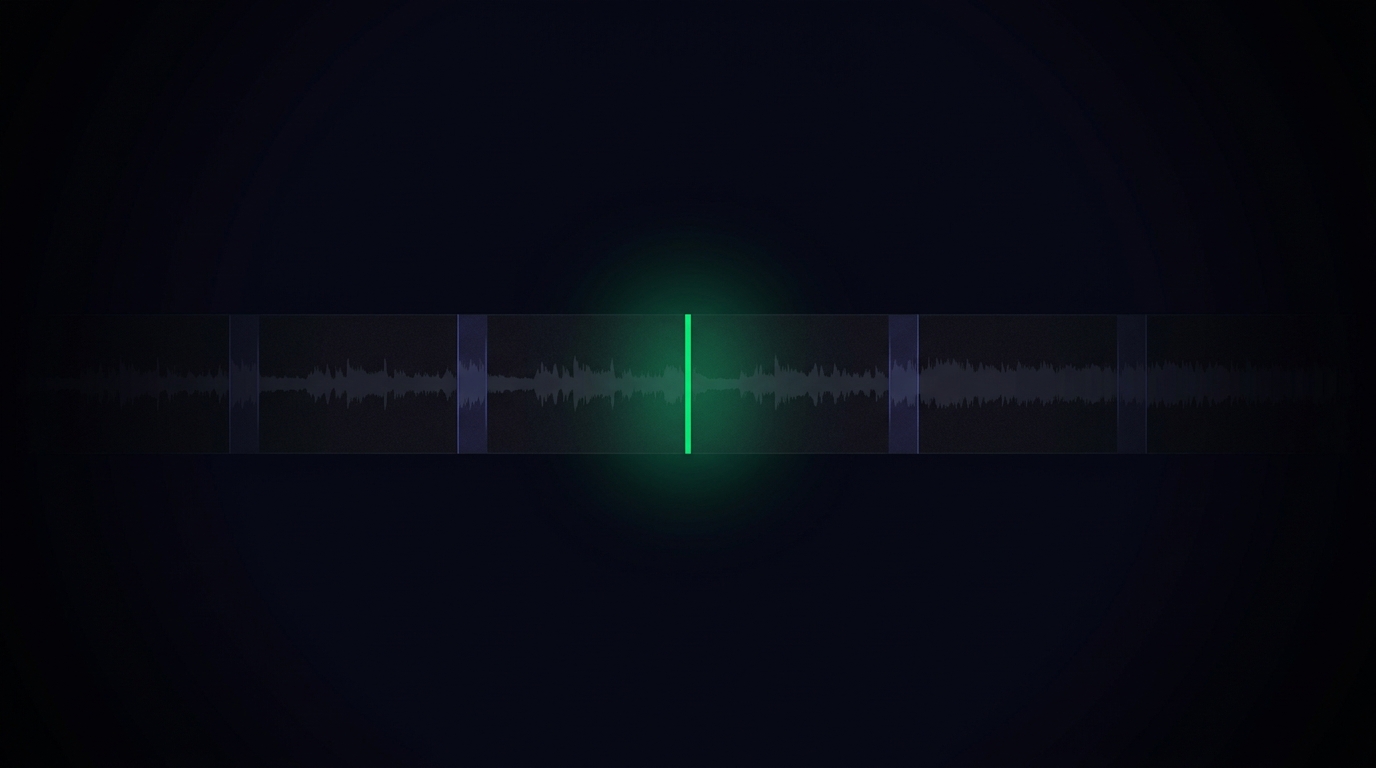
I do a live stream almost every week. After it's done, my AI agent downloads the video, picks 5-7 short clips, captions them, and publishes them across TikTok, Reels, YouTube Shorts, and Facebook on its own. The pipeline has been humming along for weeks. Clips keep coming out. And the whole time I had this nagging feeling that something was off — every clip felt half-finished, like it ended in the middle of a thought. One morning I figured out why, told my AI in a single sentence, and watched it rewrite its own chunking logic from scratch.
The bug — cutting at "sentence end" instead of "topic end"
The original setup was simple. Live finishes → download the VOD → Whisper transcribes it with timestamps → AI reads the transcript and picks 5-7 viral-looking moments → cuts them → publishes to 4 platforms automatically.
Sounds great on paper. Clips were coming out. But every single one felt like it ended a beat too early.
One morning I lined up 7 clips from a single live, in chronological order, and watched them back to back. That's when I saw it. Every clip was cut at the wrong beat.
Here's a sanitized example of how I'd actually talk in a live:
"...my AI agent runs everything for me 24/7. And then I've got a Stripe webhook system that..."
My AI was cutting right there — at the period after "24/7". A clean sentence ending. Looked safe. Felt safe.
But the clip ended on "AI runs 24/7" with no payoff. The viewer never saw the Stripe-webhook example that gave it context. The clip didn't feel like a clip. It felt like a trailer for one.
That's when it clicked. The AI was treating "end of sentence" as the safest cut point. But for content, a clip has to end at a topic boundary, not a sentence boundary, or it never feels self-contained.
One sentence in Tim Chat
I opened my chat app and typed one line to Tim, my AI agent:
"When you cut live clips, cut before I shift topics, not after a sentence ends. Each clip needs to feel self-contained."
That was it. I didn't open the code. I didn't tell it what to change. I went back to other work.
Tim pulled up the transcripts of the last 3-4 lives, eyeballed where the topic transitions actually happened, and then rewrote the chunking logic on its own:
Old: find an "interesting" span → trim the start → snap the end to the nearest sentence boundary.
New: first find topic transition points in the transcript → split the live into topic-sized chunks → for each chunk, check whether it has a clear beginning-middle-end → only then pick which chunks to cut.
The way it detects "topic transition" is itself an AI pass on the transcript, labeling timestamps that contain transition phrases — "okay so", "and then", "let me show you another thing", or just long pauses — and then judging whether each resulting chunk is a complete little story or not. Simple framing, very different output.
A second bug surfaced immediately — demo clips broken
The new logic made most clips feel whole. But it exposed a different bug right away — demo clips were still coming out wrong.
Here's the pattern. Sometimes mid-live I'll demonstrate something: "Okay, watch — I'm going to type a command and let my AI fix this bug, give me a sec..." Then I go silent for 30 seconds while the AI does its thing. Then I come back with "see? fixed."
For the clip to make sense, the command, the wait, and the result all have to be in the same clip. Otherwise the viewer never sees the payoff.
The problem: Whisper — specifically faster-whisper, which my AI swapped in to make transcription 5x faster — was configured with VAD (Voice Activity Detection) turned on. VAD strips out silent stretches. Efficient for transcription, terrible for this use case. The transcript came back with "I'm going to type a command" and "see, fixed" sitting one second apart in timestamps. The 30-second wait, the actual proof, had been edited out of existence.
So my AI dutifully cut a 5-second clip that went "I'm going to type a command — see, fixed." With nothing between. The viewer's reaction was understandably "what?" 😅
Tim's fix — re-transcribe the gaps with VAD off
Tim diagnosed the root cause in under an hour and laid it out:
"VAD is dropping silent stretches, but for demo clips the silent stretch is the content. I'll do a second Whisper pass on just the large gaps, with VAD turned off, so we can see what's actually in there."
The new flow:
- First pass: transcribe the whole live with VAD on (fast)
- Scan the timestamps for gaps longer than 15 seconds
- For each gap, re-run Whisper on just that slice with VAD off
- If it picks up typing noise, ambient sound, anything at all → keep the full duration of the gap
- When the clip selector picks a demo moment, concatenate command + gap + result into one continuous clip
Now demo clips actually demonstrate something. "I'll ask my AI to do X" → 30-second wait shown at real speed → "and now it's done." Payoff intact.
Bonus tune — auto-editor threshold
While Tim was already inside the pipeline, it touched one more parameter. After clips are picked, I run them through auto-editor to remove dead air and tighten the pacing. The old silence threshold was 4%. Aggressive — it would sometimes shave a syllable off real speech.
Tim bumped it to 6%. Removes slightly less silence, but never eats actual words. Clips listen smoother now.
This is the kind of knob you'd never see on a SaaS dashboard. No managed clip-cutting service exposes "auto-editor silence threshold" as a tunable. But because the pipeline lives on my own server and my AI can read and edit its own source code, the parameter is just there to be tuned.
The real story isn't the clips
The clip problem itself is small. The point is the pattern.
I didn't open a code editor. I didn't read faster-whisper docs. I didn't debug why VAD was eating silence. I described the symptom in one sentence — "clips don't feel self-contained" — and my AI did:
- Re-analyzed past transcripts to find the pattern itself
- Designed new chunking logic from scratch
- Surfaced a side-effect bug (demo clips) on its own
- Diagnosed the root cause (VAD)
- Tuned an unrelated parameter (auto-editor threshold) while it was in there
- Deployed everything to production
I went back to other work. When I checked in later, the new pipeline was already running on the next live.
This is the difference I keep writing about between an AI agent and an AI chatbot. A chatbot would have answered "have you tried adjusting the VAD setting in faster-whisper?" and left me to find the setting, edit the code, test it, and deploy it myself. My AI agent actually did all of that. Including the parts I didn't ask for.
Same pattern, different problems
This clip story is one example. The same pattern shows up everywhere in my work:
- "The dashboard numbers don't add up" — my AI rebuilt the stats endpoint as a self-validating 5-stage funnel.
- "Trial conversions aren't ticking up" — my AI traced it to a missing Stripe webhook event in under an hour.
- "A paying customer is still getting trial emails" — my AI rewrote Brevo sync from event-driven to state-driven, added a reconcile cron.
- "My dashboard says 3 customers have gone quiet" — my AI checked first and found the metric was measuring chat, not actual work.
- "Live clips are coming out blurry" — my AI traced it to FB Graph API silently downgrading to 360p and switched to yt-dlp.
Every one of those started with me complaining about a symptom in one sentence. My AI handled the whole stack — diagnosis, root cause, fix, parameter tuning, deploy.
Want an AI agent that works like this?
This is exactly why I built Newton. Having a personal AI agent that lives on your own server, can read and edit the source code of the systems it runs, and can tune its own parameters — it genuinely changes how you operate. You stop opening editors. You start describing symptoms.
If you want an AI agent that acts on its own server the way mine does for me — not a chatbot you have to chase suggestions from — give Newton a look. 7-day free trial, ready in 10 minutes, lives only on your server.
— Pond