
This whole project happened because I was annoying myself. I cut 5 to 10 videos a day, and most of those cuts are tiny — "delete this part, glue this clip onto that one, export." Two minutes of actual work. But opening Premiere is its own two-minute ritual before you can even start. Some days the boot was longer than the job.
The Problem: Every Tool Did Way Too Much
Picture the workflow. I finish a TJ Live recording — a single 90-minute MP4. All I want to do is:
- Cut out the parts where I fumbled words or stopped to drink water.
- Join the surviving pieces back together.
- Export an MP4 to hand over to my clip-cutting pipeline.
Every tool I tried had its own special way of being painful for that exact job:
Premiere Pro — full-featured, professional, and a 2-minute boot every single time. Plus the project files, scratch disks, and preview caches that pile up across the SSD. Massive overkill for "delete a 5-second cough."
CapCut Desktop — much faster to open, but the free export adds a watermark, the Pro tier is monthly subscription #47, and every export forces a full re-encode. A 90-minute file means sitting there for 10–15 minutes per export.
iMovie — free, but macOS only. My recording machine is a Linux VPS.
Online editors like Kapwing or Clideo — fine for a 30-second TikTok, but try uploading a 2 GB raw file and watch the browser cry. Plus my raw recordings now live on someone else's server, which I'd rather avoid.
The realization: I didn't want the best video editor. I wanted a video editor that did exactly the three things I do every day, and nothing else.
Asking the AI — One Sentence, No Specs
I opened Tim Chat on my phone and typed:
"Build me a video editor in the browser. Accepts MP4 uploads, has a timeline, can cut and join, exports MP4. Make it fast — I don't want to wait."
That was it. No tech stack. No library suggestions. No mockups. I trusted Tim (my AI agent) to figure out the right shape.
I went off to do other things. By that afternoon there was a URL — inccut.incomeinclick.com — and a working web app on the other side of it.
The Trick That Made It Faster Than Premiere
When I told a friend the export was finishing in under 30 seconds for a 90-minute file, he assumed I'd thrown a beefy GPU at it. "What card are you using?"
The answer is no GPU at all. The trick has a name: stream-copy.
Here's the thing most editors do under the hood. When you hit export, the software re-encodes the video — it decodes everything back to raw frames, applies your cuts, and encodes a brand-new MP4 from scratch. That re-encode step is what takes hours on long files. CPU sits at 100% the whole time.
But ffmpeg has a quiet option called -c copy. Instead of re-encoding, it copies the original streams byte-for-byte from the source, only keeping the time ranges you asked for. No math, no encoding. The export is basically as fast as copying the file.
The numbers, on the same machine:
- Premiere/CapCut export of a 90-minute file → 10–15 minutes (re-encode).
- inccut export of the same file → 20–30 seconds (stream-copy).
About 30× faster. CPU usage stays under 5%.
The Tradeoff: Cuts Snap to ~1–2 Seconds — and I'm Fine With That
Nothing's free. Stream-copy has one real cost: it has to cut on a keyframe.
Every MP4 has two kinds of frames inside it — keyframes (full pictures) and in-between frames (which only store the difference from the most recent keyframe). You can't slice in the middle of an in-between frame because it has no meaning without the keyframe it depends on.
Recordings from OBS, Facebook Live, screen recorders, and basically any livestream tool put a keyframe down every 2 seconds (a 2-second GOP). So stream-copy snaps your cut point to the nearest keyframe — meaning the actual cut lands about 1–2 seconds away from where you clicked.
If I were cutting paid ads, where every frame matters? Useless. Hard no.
But for "kill the part where I went silent for 5 seconds"? Completely fine. I genuinely don't care whether the cut lands at 12.0 or 12.5.
This is the same lesson I keep relearning when I work with AI agents — sometimes the best answer is to drop a feature, not engineer around it. Tim picked stream-copy because Tim already knows what I cut all day: live recordings, the same workflow that feeds the clip pipeline. A different shop with different needs would get a different design.
Stuff Tim Built That I Didn't Ask For
I asked for cut and join. Tim shipped four extra things because they were obviously needed:
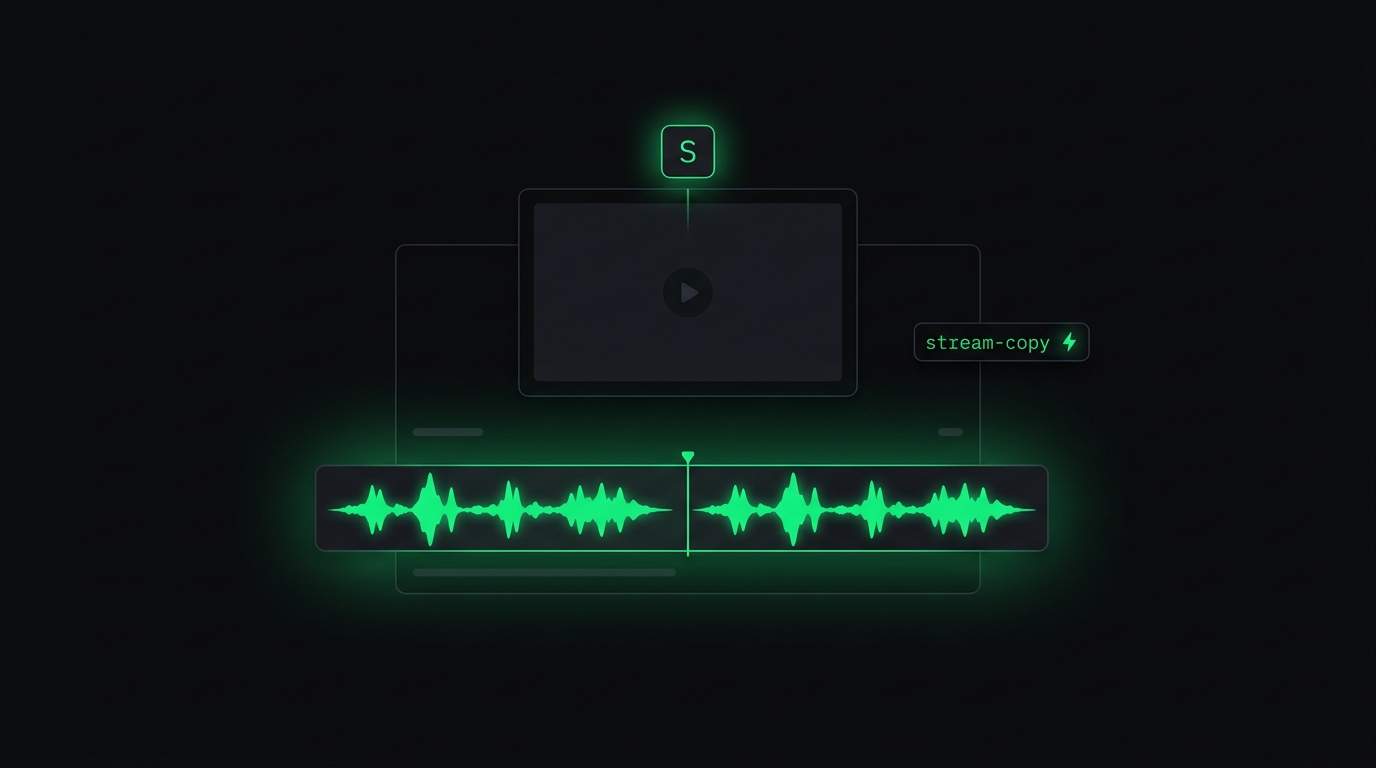
Audio waveform on the timeline — the audio is rendered as a waveform graph beneath the video track, so I can see where the silent gaps are at a glance. Cutting silence is now point-and-click instead of dragging a playhead while listening.
3-tier ffmpeg fallback — some files (like MKV with Vorbis audio) can't be stream-copied directly. Tim built a 3-step ladder: try pure copy first; if that fails, copy the video and re-encode just the audio; if that fails, do a full re-encode. I never have to think about it. Whatever I upload, the export works.
Project save state — close the tab, come back later, the project is still there. No re-uploading the source.
Keyboard shortcuts — S splits at the playhead, Del deletes the selected clip. Same muscle memory as Premiere, so I don't have to learn anything new.
Tim didn't ship an "MVP." Tim shipped a tool I'd actually want to use every day. There's a difference between "minimum viable" and "minimum delightful."
Why a Tiny Tool Like This Actually Matters
I make content every day. Cutting 5 to 10 clips a day. If each cut saves me 5 minutes, that's 5 × 7 × 30 = 17 hours a month.
17 hours is two full workdays a month, returned to me. Not because I hired an editor. Because I shaved a 2-minute boot off a 2-minute task and stopped doing it 200 times.
I wrote about stopping the monthly SaaS treadmill and having my AI build the tools instead. This one is the cleanest example I've shipped yet. I don't pay $20–$50 a month for Adobe Creative Cloud just to crop a cough out of a recording. I don't tolerate a CapCut watermark.
A tool that fits your exact workflow at 100% beats a best-in-class SaaS that fits at 60%. Every time. The first one removes friction. The second one charges you to keep some.
Same Pattern as Pointer and Accy
People keep asking me, "How do you have time to build all these tools?"
The answer is — I don't build them. I just describe them.
This whole thing took me about 30 seconds of typing on a phone. Tim took an afternoon. I came back to a working URL.
This is the difference between using AI and having an AI agent. ChatGPT will tell you "you could probably do this with ffmpeg, Flask, and a canvas waveform" and then leave you holding the bag. An AI agent stands up the server, registers the subdomain, configures basic auth, builds the UI, tests the export, deploys, and hands you the link.
You don't need to be a developer. You only need to know what's annoying you, and you need someone to fix it.
If You Want an AI Agent That Builds Tools Like This for You
This story isn't really about a video editor. It's about having a tool that does exactly what you need, with zero compromise to fit anyone else's audience.
Every business has its own quirks. Every operator has 3 to 5 tasks they do every week that no off-the-shelf SaaS handles cleanly. The ones the big players don't bother with — because there aren't 100,000 other people with your exact problem. Your private AI agent doesn't have to care about other people. It only has to care about you.
That's exactly what Newton is. You sign up, and within about 10 minutes you get your own server with an AI agent on it — same kind I use to build inccut, Pointer, Accy, and everything else around here. You type what you want, the same way I typed that one-line video editor request, and it gets built. There's a 7-day free trial if you want to see what it feels like first. Take a look.
— Pond