
I Built My Own Accounting System. It Pulls Receipts From My Email Automatically.
3 Gmail accounts, 3 Google Drive folders, auto-categorized expenses, daily scans at 00:07 AM. I didn't write a line of code.
Quick heads up before we start.
You're reading this because of an ad. I paid for that ad, and yes — there's something I sell at the end of this page.
But the story is real. The system is real. It runs on my server right now, every single night at 00:07, scanning my emails for receipts while I sleep. I built it because I needed it, and I'm sharing it because I think you might need something like it too.
If not, no worries. But if you've ever lost a receipt, forgot to log an expense, or spent a Sunday afternoon sorting through bank statements — keep reading.
The Problem Every Business Owner Ignores (Until Tax Season)
I run multiple businesses. Facebook pages generating ad revenue. Digital products. Client projects. Each one has its own expenses — server costs, ad spend, subscriptions, tools, services.
Every one of those transactions generates a receipt. Sometimes it's an email from Stripe. Sometimes it's a PDF in Google Drive from a vendor. Sometimes it's buried in a promotional email from a service I forgot I subscribed to.
For months, my "accounting system" was a folder on my computer called "Receipts 2025" where I'd drag things when I remembered. Which was almost never.
Then tax season came. And I spent three full days digging through emails, downloading PDFs, matching transactions to bank statements, categorizing everything into a spreadsheet. Three days of my life I'll never get back, doing work that felt like it should have been automated years ago.
I decided it would be the last time.
The Confession
I'm not a programmer.
I can't code. I have no idea how to connect to Gmail's API, or parse PDF attachments, or set up OAuth tokens, or whatever technical magic is needed to automatically pull receipts from email.
But I know exactly what I want the system to do. I can describe the workflow perfectly: "Every night, check these 3 Gmail accounts for new receipts. Also check these 3 Google Drive folders. Download everything new. Figure out what category each expense belongs to. Put it all in a spreadsheet. Do this every day without me touching anything."
That's a clear enough brief for a developer. But hiring a developer for a custom accounting tool? That's weeks of work and thousands of dollars — for something that might not even work the way I want.
How It Actually Got Built
I have an AI agent on my server. His name is Tim.
Tim is not a chatbot. He's a full autonomous agent with access to my server, my files, my credentials, my entire infrastructure. When I describe a system I want, he builds it — writes the code, sets up the connections, deploys it, and makes sure it keeps running.
I described my accounting nightmare to Tim. Here's what I asked for:
What I Asked For
- Connect to 3 different Gmail accounts
- Scan for receipt emails automatically (Stripe, PayPal, subscriptions, invoices)
- Also monitor 3 Google Drive folders where vendors drop invoices
- Download and store all receipt files (PDFs, images)
- Auto-categorize expenses based on learned rules (ads, servers, tools, etc.)
- Rename files with a consistent format: "Service - DDMMYY"
- Export everything to Google Sheets in a clean format
- Run automatically every day — no manual trigger needed
Tim built the whole thing. I call it Accy.
Accy runs every single night at 00:07 via a cron job on my server. While I sleep, it:
- Connects to all 3 Gmail accounts via OAuth
- Scans for new receipt emails since the last check
- Downloads attachments and extracts receipt data
- Checks 3 Google Drive folders for new invoices
- Categorizes each expense based on rules it learned from my past categorizations
- Renames files in a clean, consistent format
- Exports everything to a Google Sheet, organized by month and category
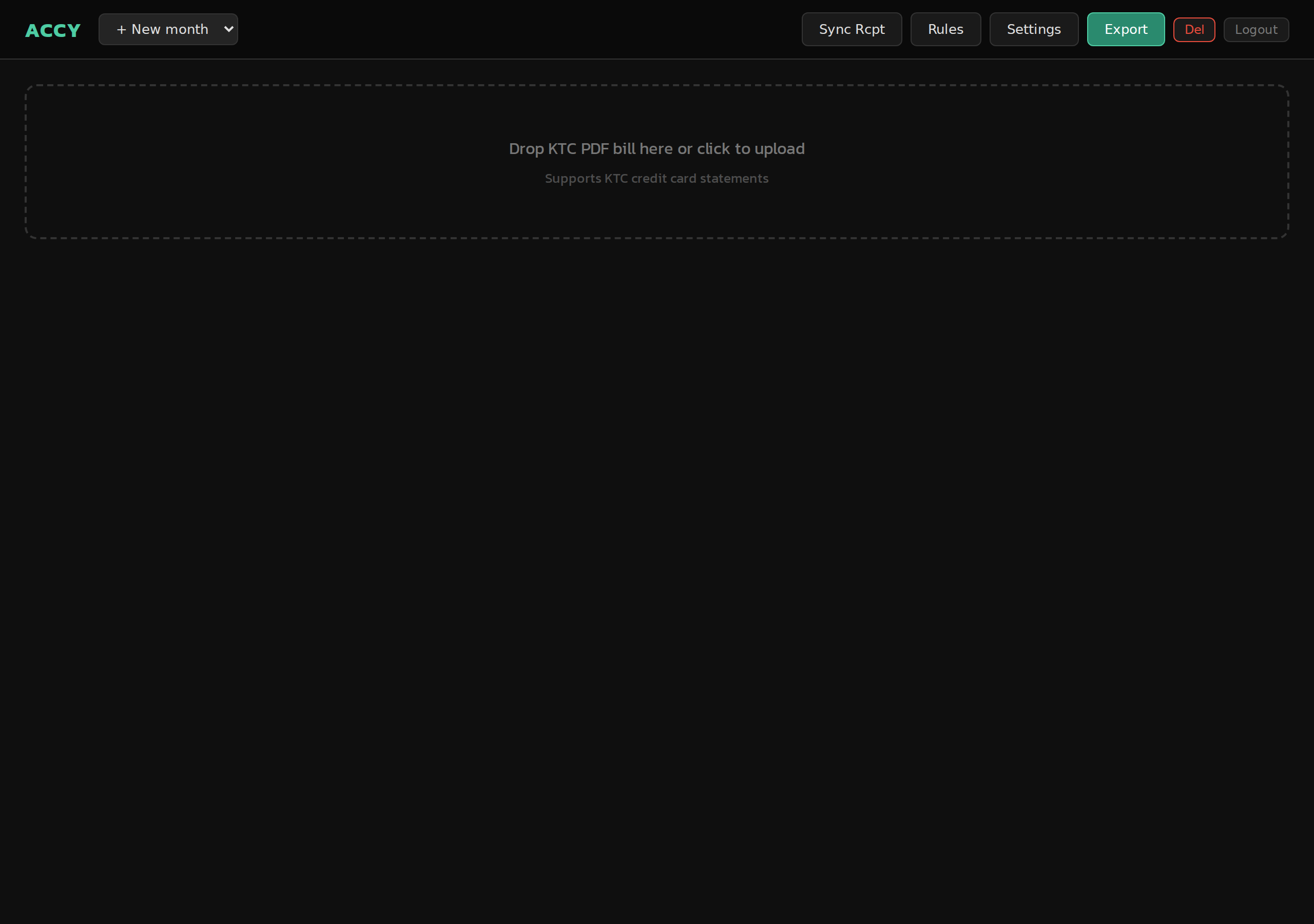
The Accy dashboard — upload bills, sync receipts from Gmail, auto-categorize, and export. Built for exactly what I needed.
By the time I wake up, every receipt from the previous day is already sorted, categorized, and logged. I don't touch a single thing.
But Can't Accounting Software Already Do This?
Fair question. There's QuickBooks, Xero, FreshBooks, Wave — the list goes on. So why not just use one of those?
Here's the reality:
- They're expensive. QuickBooks starts at $30/month. Xero at $15/month. For a solopreneur running lean businesses, that adds up — especially when you're paying for features you'll never use.
- They're overkill. I don't need invoicing, payroll, inventory management, or tax filing. I need my receipts pulled from email and organized in a spreadsheet. That's it.
- They don't auto-pull from Gmail. Most accounting tools wait for you to forward receipts or manually upload them. Some have email integrations, but they're clunky and miss things constantly.
- They don't connect to Google Drive. Some of my vendors share invoices via Drive folders. No major accounting tool monitors Drive folders automatically.
- They don't learn your rules. Every business has unique categorization logic. In accounting software, you set rules manually in their interface. My system learns from how I've categorized things before.
And then there's the spreadsheet approach — which is what most solopreneurs actually use. Open Google Sheets, manually type in each expense, try to remember where the receipt went, give up halfway through.
My system does exactly what I need. Nothing more, nothing less. It was built for my specific workflow, not for a generic "small business" that doesn't exist.
What This Actually Saves Me
Let me put real numbers on it.
Before Accy, I spent about 2-3 hours per month on receipt management — downloading, renaming, sorting, categorizing. Plus an additional 2-3 full days at tax time reconciling everything I'd missed.
Now? Zero. The system runs every night. When tax season comes, I open my Google Sheet, filter by date range, and everything is already there. Categorized. Organized. With the original receipt files linked.
But here's the thing that matters more than the hours saved: I never lose a receipt anymore. Every expense is captured automatically. Every deduction is documented. When you run multiple businesses, that kind of completeness isn't just convenient — it's money in your pocket at tax time.
Why I'm Telling You This
Because the accounting problem is universal. Every business owner I know has some version of the "receipts nightmare." And the solutions out there — expensive software or tedious spreadsheets — don't actually solve the core problem, which is: getting the receipts into the system in the first place.
The AI agent that built Accy for me is now available as a product. I call it Jarvis.
Jarvis doesn't come with a pre-built accounting tool. That's not how it works. What it gives you is something more powerful: an AI agent on your own server that builds exactly the system you need, for your specific workflow.
Jarvis Doesn't Just Build — It Operates
- Your own private server with an AI agent that lives there
- Describe your workflow — it builds the system from scratch
- Connects to Gmail, Drive, Sheets, Stripe — whatever your business uses
- Sets up automated cron jobs that run daily, weekly, however you want
- Monitors the system and fixes issues without you knowing
- Adapts when your needs change — just describe what's different
- You own everything — your data stays on your server
- Set up in under 2 minutes after payment
Other AI tools give you suggestions. Jarvis gives you a running system.
My accounting system has been running autonomously for months. I haven't touched it. It just works — every night, 00:07, receipts sorted. That's the difference between an AI that generates text and an AI that operates your business infrastructure.
This isn't for everyone. If you love doing manual data entry, keep at it. But if you've ever looked at a pile of unorganized receipts and thought "there has to be a better way" — there is. And it doesn't involve paying $30/month for software that still makes you do half the work.
Ready to Automate Your Workflow?
Get your own AI agent on a private server. Describe the system you need. Let it run.
Try Jarvis Now 7-day full refund — no questions asked