
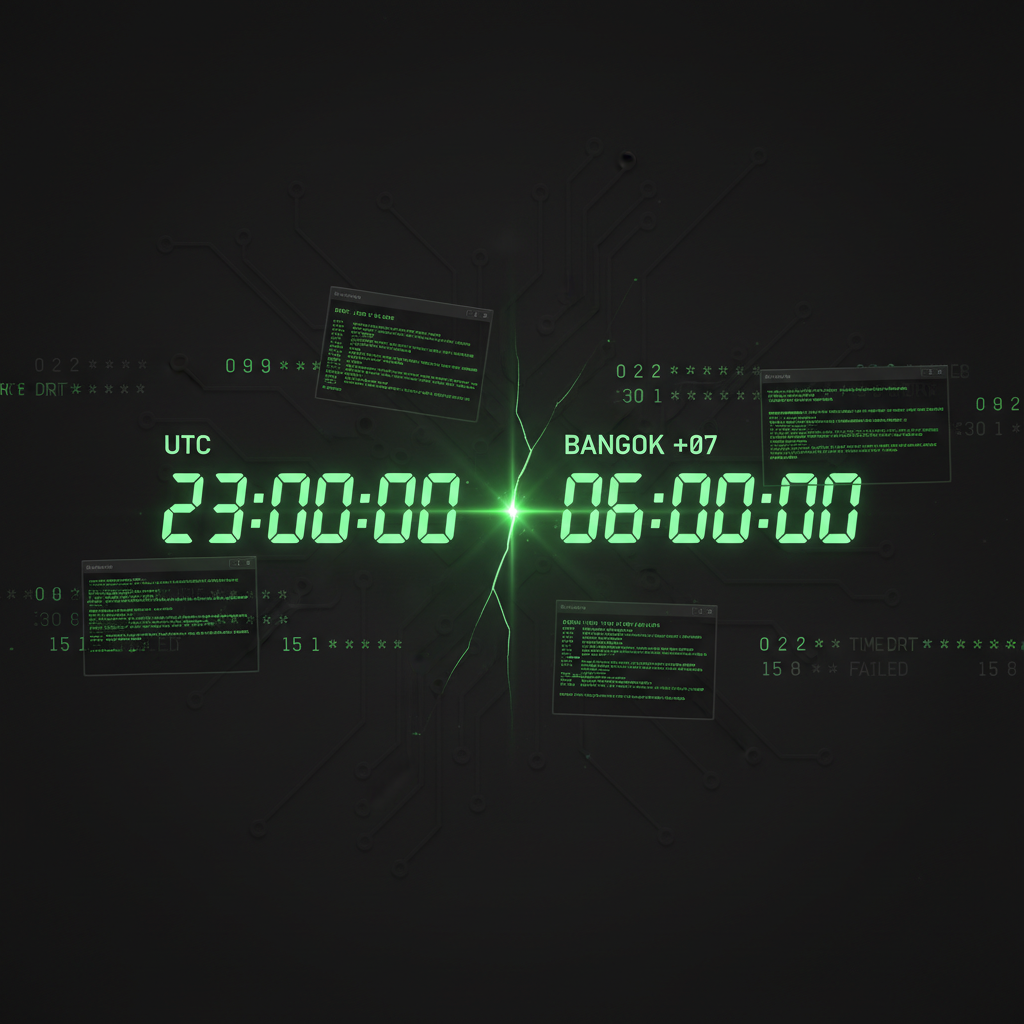
One morning I opened my phone to check the blog that auto-publishes every day. It usually goes live mid-morning. That day the timestamp read "Published at 4:06 AM." Four in the morning. Who's reading a blog at 4 AM?
And it wasn't just the blog. The morning brief that Tim — my AI agent — sends to Telegram every day had landed in the middle of the night. My scheduled Facebook posts went out hours too early. Every single thing on my server that runs on a timer had fired early, all by the exact same amount: 7 hours.
No error anywhere. Nothing crashed. Everything just happened at the wrong time — which is one of the hardest kinds of bug to even notice.
My Server Had Always Run on UTC
Some background. My main server — the box that runs everything: my content automation, my chat app, this website, all of it — had its system clock set to UTC since day one. That's the default on most VPS providers.
So whenever Tim or I wanted a cron job to run "at 9 AM my local time," we had to write it as 0 2 — 2 AM UTC — because my timezone is UTC+7. Slightly annoying, but we'd lived with it for over a year. Every cron job on the machine was written with "UTC thinking" baked in.
The unwritten rule of this server was simple: the hour you write in cron equals the local hour you want, minus 7. Anyone who touched the crontab knew it.
Out of Nowhere, timedatectl Said the Machine Was on Local Time
I messaged Tim: "Why is every cron firing 7 hours early?" He immediately ran the first command anyone should check:
timedatectl
The result: Time zone: Asia/Bangkok (+07). The machine wasn't on UTC anymore.
The moment the server's timezone flipped from UTC to my local zone, every cron job written in "UTC thinking" got reinterpreted on the spot. 0 2, which used to mean "2 AM UTC = 9 AM my time," now meant "2 AM my time" — literally. Everything fired exactly 7 hours early. That's why my blog showed up at 4 in the morning.
Which raised the real question: who changed the timezone? I never once SSHed in and ran set-timezone.
The Root Cause: A Tiny Field in a Web Form I'd Clicked Four Days Earlier
Tim went back through the logs and pointed at a date four days prior. That day I'd gone into the dashboard of Newton — the service where I set up a managed server plus a private AI agent for customers — and edited the "timezone" field in my own server's profile, switching it from UTC to Asia/Bangkok.
In my head at the time, the timezone field was just a display setting. Something that makes the dashboard show clock times in my local zone. Harmless, right?
Wrong. The code behind that field, the moment you hit save, SSHes into the real machine and runs timedatectl set-timezone Asia/Bangkok. It's not a display preference at all — it's a command that rewrites the operating system's clock directly.
And because my own main server is managed under the same control plane as my customers (I eat my own dog food — I run Newton on my own box too), clicking one field in a profile page silently changed the system clock of my production server. No confirmation popup. No "are you sure?" No log pinging my Telegram.
The effect didn't show up right away either. It surfaced the next time a fixed-hour cron ran — which was the middle of the night, days later. By the time I noticed "wait, why is everything arriving at the wrong time," four days had already gone by.
Timing Bugs Are the Quietest Bugs There Are
I've hit silent, error-free bugs before — like the time my AI's memory stopped writing to disk for three days with no error at all, or when my content pipeline failed silently for three days over a JSON quoting glitch. But this one was special, because nothing failed at all.
Every cron still ran. Every script executed correctly, line by line. Files got created, posts got published, emails got sent — everything "succeeded." It just all happened 7 hours off.
A bug that crashes a program hands you a stack trace immediately. A bug that makes the right thing happen at the wrong time? No monitoring system catches that. The only thing that catches it is a human who happens to notice a weird timestamp. That's how it hid for days.
How Tim Fixed It — and Why He Didn't Just Flip Back to UTC
The easy fix was obvious: run timedatectl set-timezone UTC, flip it back, done. Every cron would line up again.
But Tim and I talked it over and decided to do the opposite — keep the machine on Asia/Bangkok and rewrite the crons to match local time instead.
The reasoning: writing cron jobs in local time is just plain easier to read. "Run at 9 AM" becomes 0 9 — no subtracting 7 in your head every time and risking an off-by-one mistake. The machine being on UTC was the original source of confusion in the first place. Since it had already flipped, we took the chance to fix it properly for the long term.
Here's what Tim did:
- Backed up first: dumped the entire crontab to a file so we could roll back if anything went wrong.
- Shifted every fixed-hour cron +7 hours: a job that was
0 2(meant to run at 9 AM local) became0 9— putting it right back on the real time it was always supposed to run. - Left the hourly / every-N-minutes crons alone: anything written as
*or*/15(like an activity tracker that runs every 15 minutes) didn't need touching — it isn't tied to a specific hour. - Checked the one-shot crons carefully: one job set to expire a promotion on a specific date was already written in local time, so it was correct under the new timezone. No change needed.
This was a lot like the time Tim nearly wiped out a customer's 144 personal cron jobs while setting up auto-updates — the lesson is the same: always back up before touching a crontab, and edit it knowing what each line does, instead of blindly running a regex over the whole file.
Then He Wrote the New Rule Straight Into His Memory
My favorite thing about having an AI agent with a memory that carries across days is this: the moment the fix was done, Tim wrote a note into his own memory file — "From now on this machine is Asia/Bangkok; always write new crons in local time, never UTC again."
Which means the next time either of us sets up a cron, he won't accidentally write it the old UTC way and send things out at the wrong time. The lesson is stored permanently, not fixed-then-forgotten.
Tim also pushed back with a sharp observation: "Should we reconsider whether the timezone field in a Newton profile should be touching the system clock at all?" Which is exactly the right question — because the real root cause wasn't the cron jobs. It was a field that looks like a display setting but quietly has a side effect on the live system.
Three Lessons
1. Watch out for settings fields with hidden side effects. The "timezone" field looked like a harmless display preference, but it ran timedatectl on the actual OS every time you saved. When a button does more than its name suggests, that's a trap. Things like that need a confirmation step, or at least a visible log of "this is what just happened to the real machine."
2. Timing bugs are the quietest of all bugs. No crash, no error, no alert — everything "succeeds," it just arrives at the wrong moment. Traditional monitoring can't see it. You're relying on a human to spot a strange timestamp. (Cron cuts both ways — later Tim used it to set a one-time reminder that deletes itself after firing, which is a much friendlier story.)
3. If you're going to fix it, fix it right for the long haul. I chose not to flip back to UTC (the fastest path) and instead kept the machine on local time and rewrote every cron, because writing crons in local time was the correct, more readable choice all along. Sometimes a bug is the excuse to fix something you should have fixed ages ago.
This Is Exactly Why I Want Everyone to Have an AI Agent That Actually Lives on the Machine
Think about it — without Tim, how would I even chase this bug down? I'd have to SSH in myself, know to run timedatectl first, know to comb the logs to find who changed the timezone, know which crons were written UTC-style and which weren't, then edit them line by line without breaking anything. For anyone who isn't an engineer, that's basically impossible.
Tim did all of it in a few minutes, because he's Claude Code actually running on my server — message him, and he SSHes into the machine, runs diagnostic commands, reads the logs, fixes it, backs it up, and commits the change himself. He's not a chatbot that answers a question and then tells me to go do it.
The catch is that setting up a server plus Claude plus a chat interface plus cross-day memory plus a skill system usually takes days to get tuned right. So I packaged it into Newton — I hand you a server with an AI agent (just like Tim) ready to go, nothing to set up yourself. Take a look here; there's a 7-day trial so you can see for yourself whether it can chase down bugs like this and actually do the work for you before you decide to pay.
— Pond